Who it is for
For the owner of a single venue
You do not need another tool to operate. You need a list of five things to do, in the order worth doing them.

What it looks like in practice
You connect the venue once, with a Google Maps link. The first analysis pulls the entire review history and returns a report within minutes. You open it, read the fix list ordered by deadline, and close it. You come back a month later to see what changed.
No setup and no training
There is nothing to configure before the first report. Categories are built in, thresholds are set, and all you provide is the venue address.
Cost visible before you click
You see the credit price before running an analysis, and it depends on the number of reviews rather than on the plan. A small venue fits inside the Start plan with room to spare.
A report you can show someone
The PDF is made to be printed and put in front of a shift manager. The panel is made for clicking — those are different jobs.
Step by step
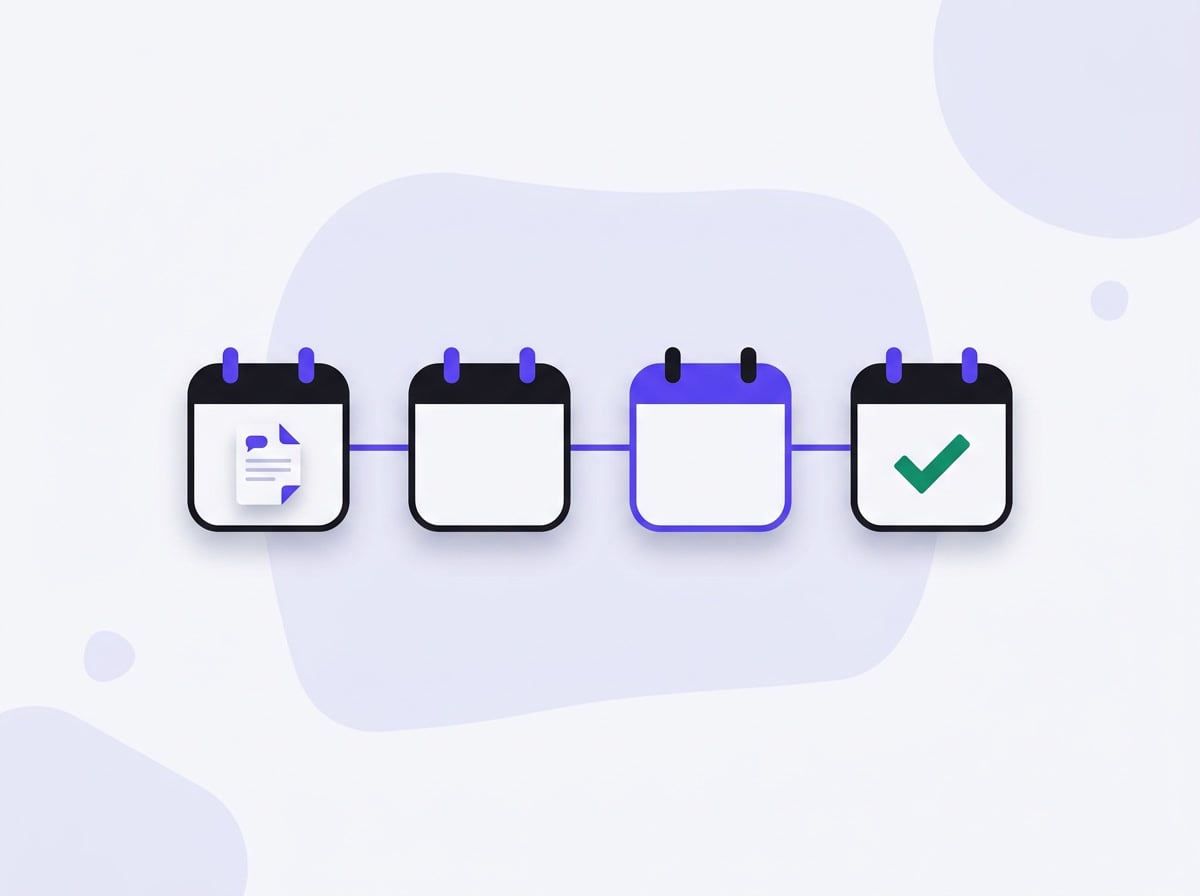
Your first week with Mutterbox
-
1
Day one: connecting
Paste the Google Maps profile link and start an analysis. Three minutes of your time; the system does the rest and emails you when the report is ready.
-
2
Day one: the first read
Open the PDF and read page one: five tasks in order, each with a complaint count and a time horizon. The rest is evidence — you reach for it when someone asks how you know.
-
3
Week one: the two cheapest tasks
From the list, pick the ones with minimal cost — usually informational: hours on the website, a message when something runs late, price consistency. They cost time, not money.
-
4
A month later: the check
Monitoring shows whether the complaint share on those topics fell. That is the only available evidence that the change worked — and the argument for the next decision.
In practice
What you do with this after the first report
You do not have to operate another tool. You come back to the panel once a month or not at all — an alert arrives by email when the complaint share on a topic rises. The rest of the time goes into the venue rather than into an application.
3 minutes
to connect a venue. The longest step — pulling the entire review history — happens without you.
Why it works this way
What you get within minutes
You connect a venue with one link and within minutes you have a list of five things to do, ordered by how many people each affects. Every item carries a deadline, an order-of-magnitude cost and the quotes that back it. No setup, no training and no need to operate another tool daily — you come back when you want to see what changed.
Common questions
How long does the first analysis take?
A few minutes for a typical venue. The longest step — pulling the entire review history — happens without you, and you get an email when the report is ready.
Do I need access to my Google Business Profile?
Not for the analysis. Reviews are public. Access is needed only when you want to reply to them or send requests for new ones.
What if I have few reviews?
Below twenty reviews with text the report is still produced but flagged as indicative, and we say so plainly. You also get a list of places carrying reviews about your brand that businesses usually do not know about.
See also
Be first in when we launch
Join the waitlist. We'll write once, on launch day, with a link to create your account.