Features
Categories that match your business
Built-in categories cover most venues and will not cover yours if your complaints have their own vocabulary. That is why they are only a starting point.
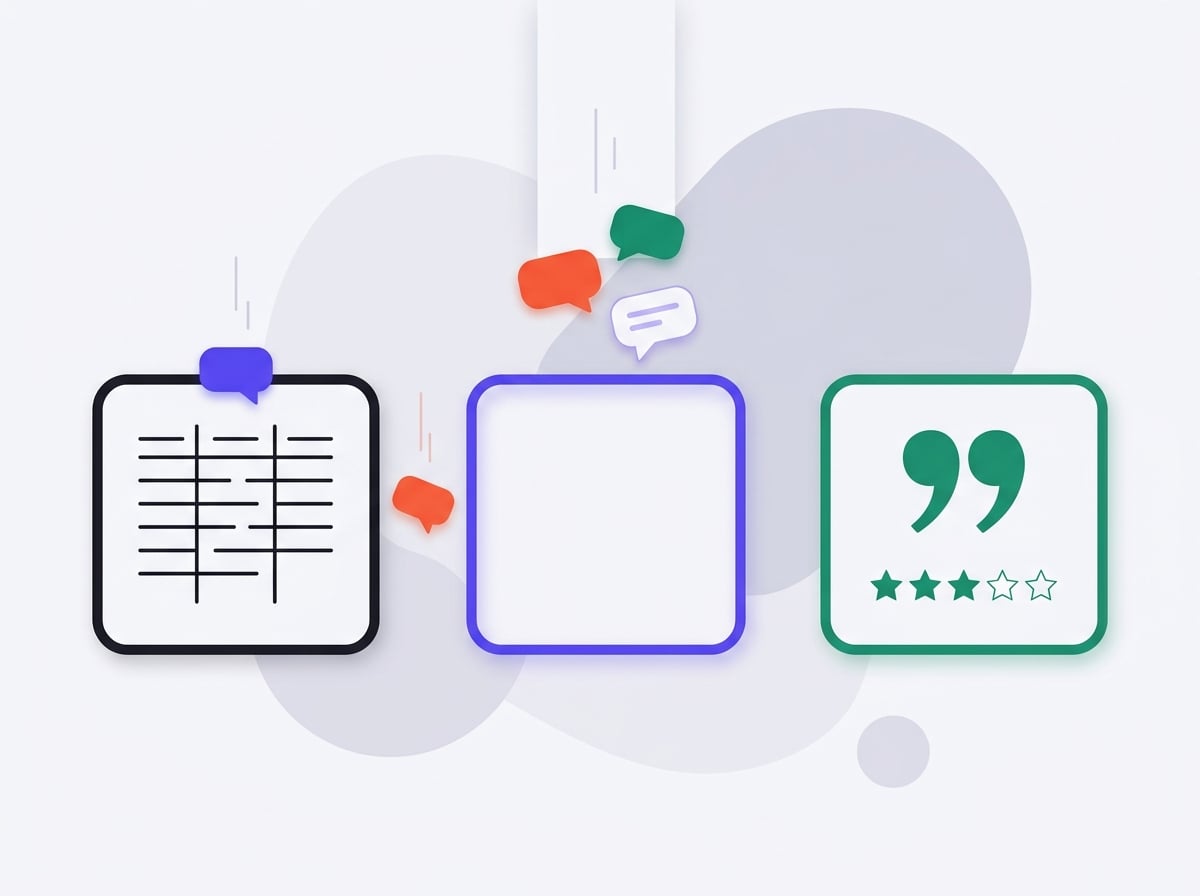
How to add a category
You give a name and one sentence of description — that sentence reaches the model as a definition, so the more specific it is, the better the classification. "Installation: complaints and praise about the installation service at the customer's premises, including punctuality and tidiness afterwards" works better than "Installation" alone.
The description is an instruction, not a label
The model receives that sentence alongside the review. A category with no description is guesswork, and it produces a classification that looks fine and does not hold together.
Built-in categories stay
Custom categories add to the built-in ones rather than replacing them. That keeps competitor comparison and period comparison working.
Changes apply from the next analysis
Adding a category does not reclassify finished reports — those stay as they were when produced. Otherwise a report sent to the board would change after the fact.
Step by step
How to add a category that works
-
1
A short, specific name
One or two words your customers actually use. "Installation" works better than "Delivery of the service at the end customer's premises".
-
2
A description as a definition for the model
One sentence saying what belongs in the category and what does not. That sentence reaches the model alongside the review, so the more specific it is, the cleaner the classification.
-
3
Check it on one analysis
Run an analysis and see how many reviews landed in the new category. One that caught two statements in a thousand is too narrow; one that caught three hundred is too broad.
-
4
Adjust the description
A change applies from the next analysis. Finished reports stay untouched, because a document somebody has already read must not quietly change.

In practice
A category no built-in set contains
A made-to-measure furniture maker added "installation", described to cover the crew's punctuality and the tidiness left behind. In the first analysis the category caught 112 of 840 reviews with text — more than the product quality itself. Without it, those statements were split between "customer service" and "deadlines" and neither cleared the threshold.
112 of 840
reviews landed in one added category. Under the built-in split they were divided between two others and formed no problem card.
Why it works this way
Ten categories is the sweet spot
The number is chosen for classification quality, not for the price list. With a dozen or so built-in plus ten of your own, the model has enough buckets to capture an industry and few enough that each clears the credibility threshold. The businesses we work with typically use four to six of their own and find it plenty.
Common questions
Can I remove a built-in category?
You can disable it for your organisation. We do not erase it from finished reports, because those describe the state at the time they were produced.
What happens if I change a category description?
The next analysis uses the new description. Earlier reports stay untouched — changing a description must not quietly alter a document somebody has already read.
Do custom categories work in both languages?
Yes. You write the description in one language and the model classifies reviews regardless of the language they were written in.
See also
Be first in when we launch
Join the waitlist. We'll write once, on launch day, with a link to create your account.