Who it is for
For a manager of several locations
At five locations the problem stops being reading reviews and becomes comparing them. Which venue stands out, in what, and since when.
What the portfolio view gives you
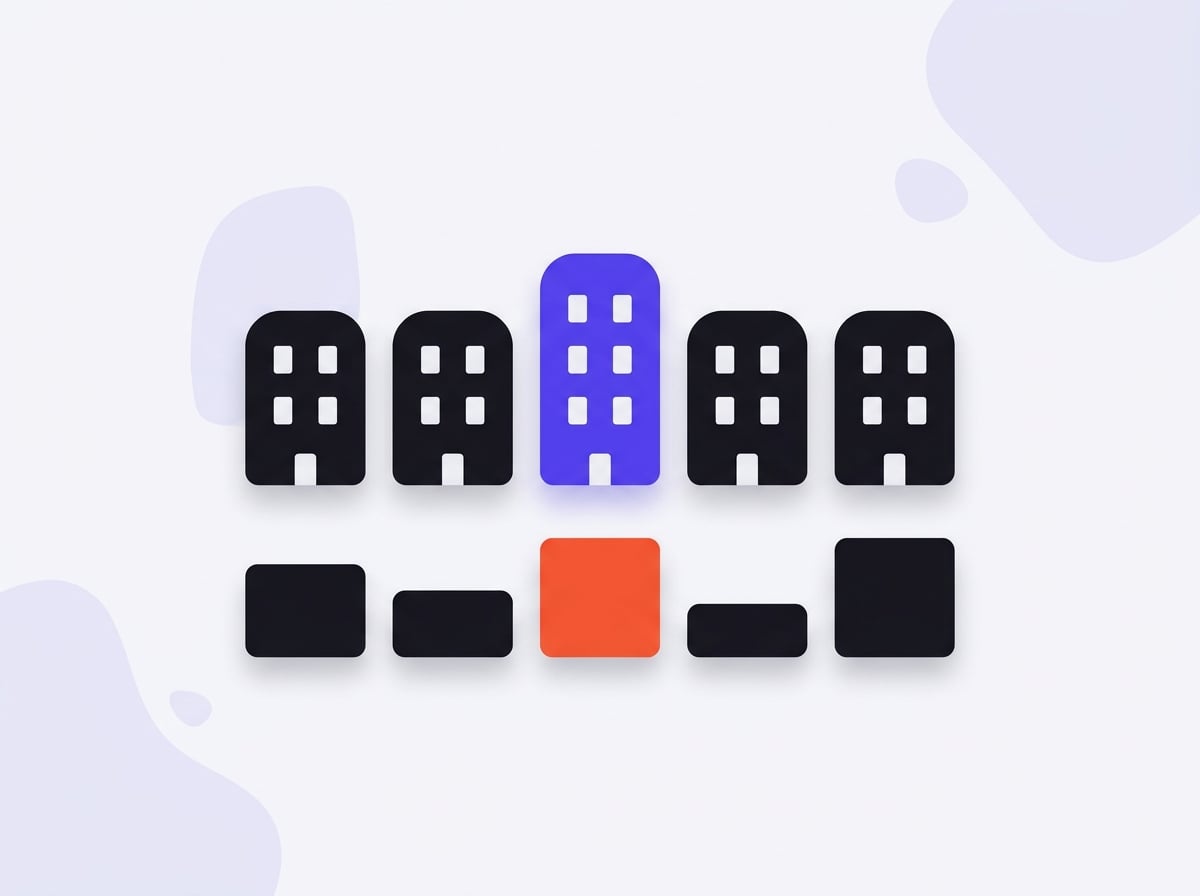
Every location in one table, in the same categories and on the same scale. You can see which venue has the highest share of waiting complaints and which has the highest for cleanliness — and whether that is a lasting difference or a one-off. Categories are shared across the chain, so the comparison means something.
Shared categories across the chain
Custom categories are defined once, at organisation level. Without that each venue would have its own buckets and the comparison would be setting different things side by side.
Access split by scope
A venue manager sees their venue, a regional manager their region, you see everything. You do not have to grant access to the whole chain in order to grant access to one location.
Monitoring with alerts
You do not have to check weekly. An alert arrives when the share of complaints on one topic rises across periods — that is, before the average moves.
Step by step
Setting up a chain in the panel
-
1
Group venues into companies
A chain with several brands splits into companies, each holding its locations. It is the same split you will use for permissions and for reports.
-
2
Define shared categories
Custom categories are set once, at organisation level. Without that each venue would have its own buckets and the comparison would set different things side by side.
-
3
Split the access
A venue manager sees their venue, a regional manager their region, you see everything. Invitations go by email and the role decides the scope.
-
4
Turn on monitoring with alerts
Set the frequency per location. An alert arrives only when something is growing, so the inbox does not fill with reports nobody reads.
In practice
Which venue actually stands out
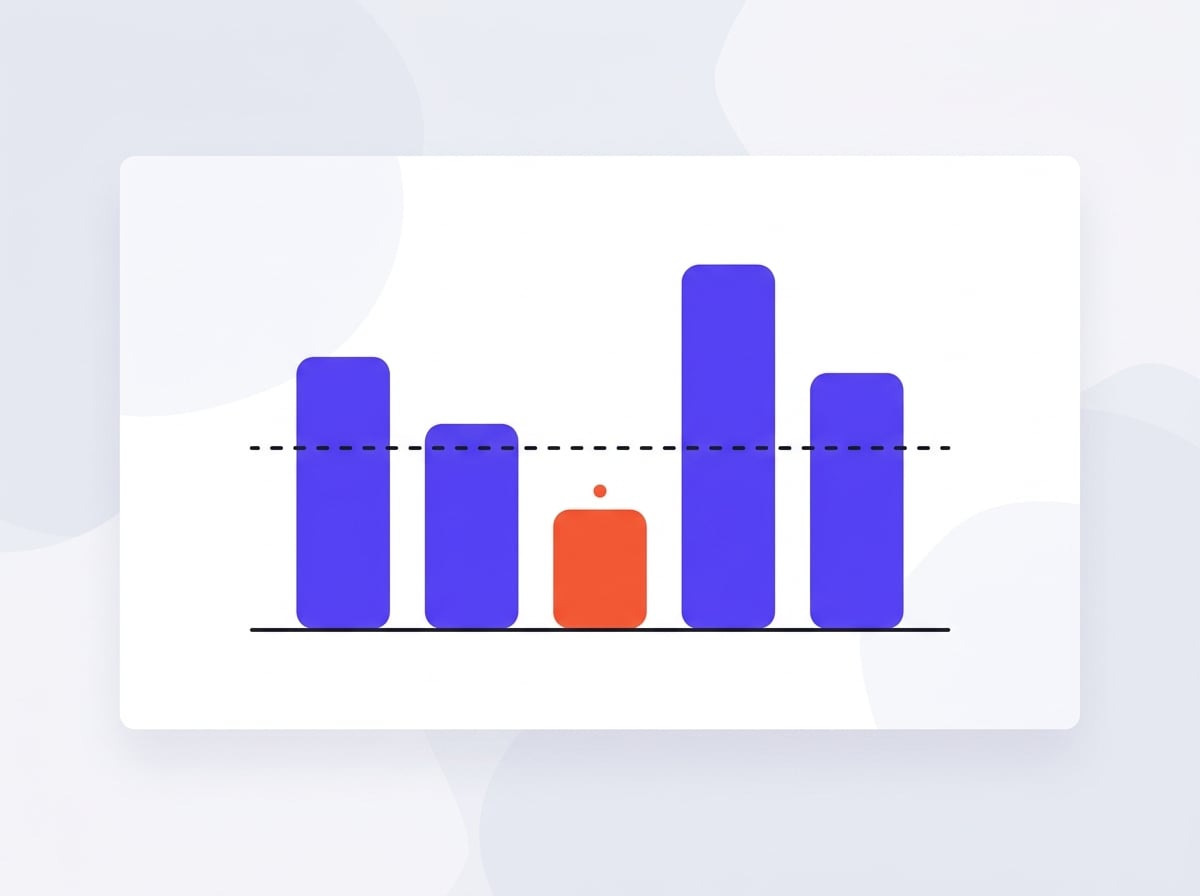
The venue by the station with three times the footfall always has the most complaints in raw counts — and comes out worst in any comparison built on counts. Converted to shares it turned out to be third from the top, while the venue that looked quietest had the highest share of cleanliness complaints in the chain.
share, not count
is the only metric that may be set against venues with different footfall. Every comparison in the portfolio view runs on it.
Why it works this way
Why we compare shares, not counts
A venue by the station has three times the reviews of one in a residential area and will always have more complaints. A comparison on raw counts will name it the worst, including when it is the best. Every portfolio comparison runs on the share of reviews mentioning a topic — the only number that may be set against venues with different footfall.
Common questions
How many locations does one account handle?
Ten on the Pro plan, unlimited on Agency. Locations can be grouped into companies, which matters for chains running several brands.
Does each location consume separate credits?
Yes, because each is a separate fetch and a separate classification. Cost follows the number of reviews at the venue, so smaller venues cost less.
Can I get one report for the whole chain?
Reports are produced per location, because a fix list for two different venues is two different lists. The portfolio view shows all of them side by side, and that is the right shape at chain level.
See also
Be first in when we launch
Join the waitlist. We'll write once, on launch day, with a link to create your account.