Features
A read-only API and webhooks on events
Integration with your own system exists so the data can be where you need it. Not so that credits can be spent remotely without confirmation.
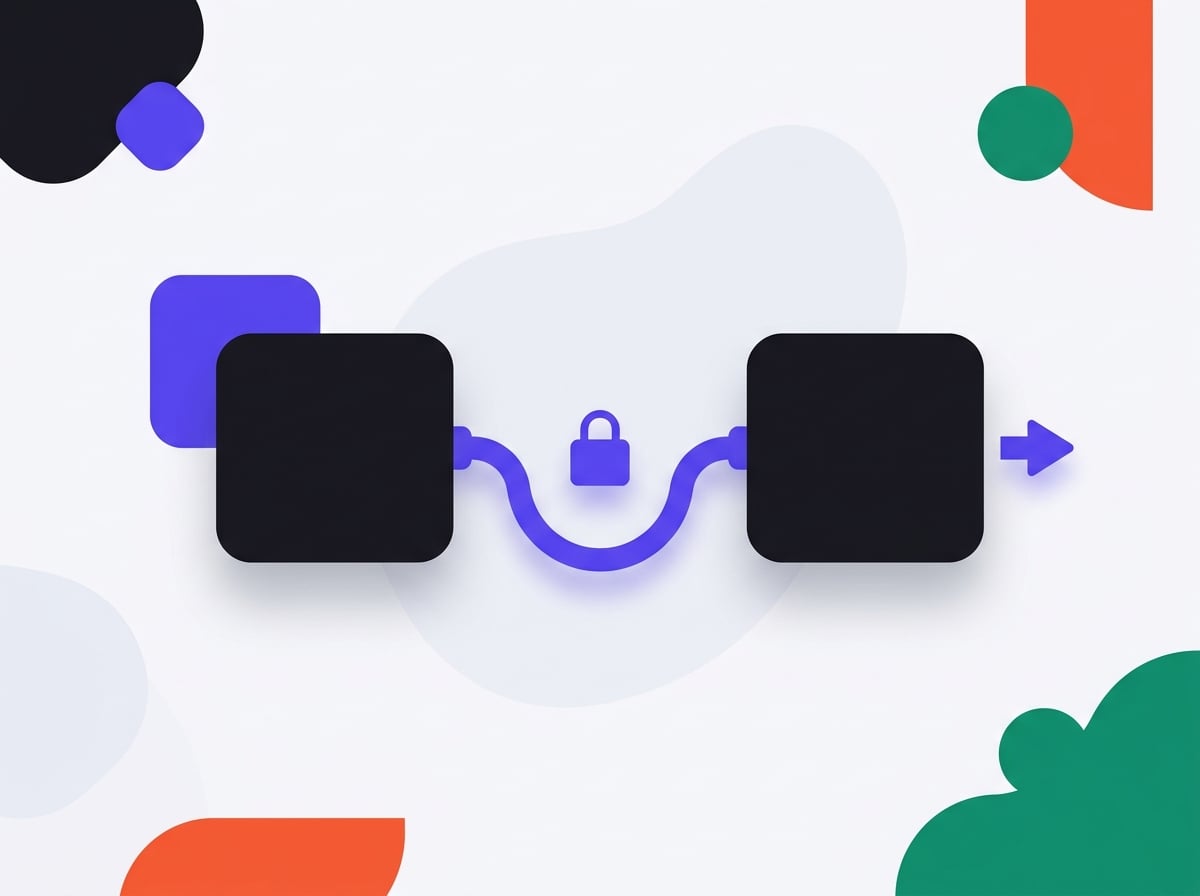
What the API can do
Fetch the list of locations, the list of analyses for a location, a single analysis together with its problem cards and quotes, and account data. The token establishes identity and organisation at once, so it cannot reach another organisation's data even through a typo in the URL.
Read only
The API cannot start an analysis. Running one remotely would mean spending credits without confirmation — that needs a proper decision, not an extra endpoint.
Webhooks on events
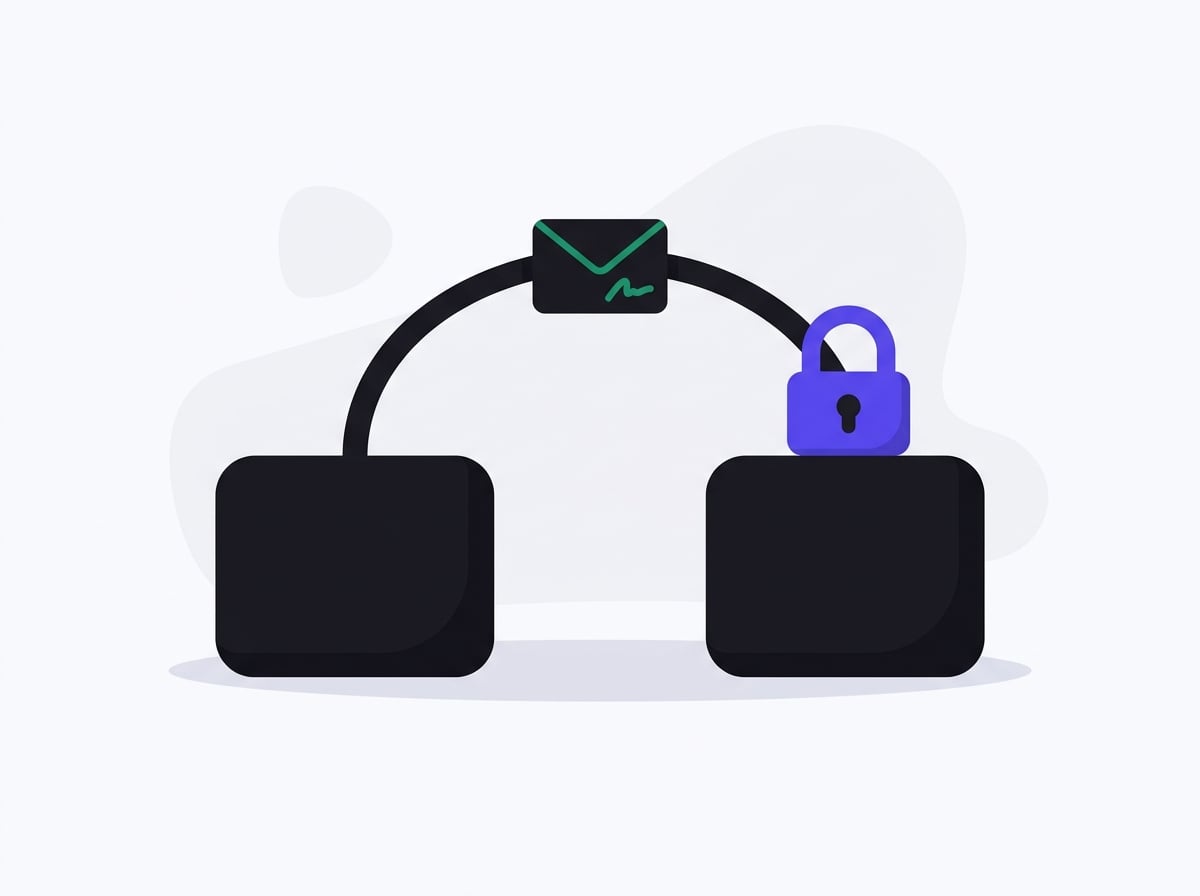
Analysis finished, report ready, monitoring alert. Delivery goes to an address you supply, with a signature that lets you verify it came from us.
Private addresses refused
A webhook will not go to 127.0.0.1 or to an internal network address. We check on save and again on every delivery — this is protection against probing someone else's network with our hands.
Step by step
From token to data in your system
-
1
Generate a token
In account settings, one click. The token is shown once — afterwards you see only its prefix, because we store a hash rather than the value.
-
2
Pull the data
The list of locations, the list of analyses per location, a single analysis with its problem cards and quotes. All JSON, with the same fields you see in the panel.
-
3
Attach a webhook
You supply an address for us to send events to: analysis finished, report ready, monitoring alert. Every delivery carries a signature letting you verify it came from us.
-
4
React on your side
The event reaches your system, Zapier or Make. From there it goes wherever it belongs — a spreadsheet, a Slack channel or a ticket in your issue tracker.
In practice
A typical integration takes an hour
The most common setup: a webhook wired into Make that, once an analysis is ready, pulls the highest-weight problem card and opens a ticket in the issue tracker, with the deadline from the horizon field and the quotes in the description. Three steps in a builder, no code.
120/min
requests per minute, refilling sixty per minute. More generous than browser traffic and enough for any sensible integration.
Why it works this way
The token opens data, not the budget
The API is read-only by design, and that is its selling point in a conversation with IT: a token dropped into someone's script or a low-code tool cannot generate a cost. You pull analyses, problem cards and quotes into your own system, and the decision to run another analysis stays where its price is visible.
Common questions
How do I get an API token?
You generate it in the panel, in account settings. The token is shown once — afterwards you see only its prefix, because we store a hash rather than the value.
What is the rate limit?
One hundred and twenty requests per minute, refilling sixty per minute. That is more generous than browser traffic and enough for any sensible integration.
What happens if my webhook address stops responding?
We retry with growing intervals, and after a run of failures the webhook is disabled and you get an email. The delivery log stays visible in the panel for thirty days.
See also
Be first in when we launch
Join the waitlist. We'll write once, on launch day, with a link to create your account.